Tasks
Module
With the tasks module you can schedule individual visits without needing to assign them to a route, handling different services in the same visit.
If you have an emergency or need to perform maintenance for a specific client, assign a task with MovilForm.
Field personnel can have a schedule with specific tasks to carry out for one or more clients. This feature is used for visits that require many hours with a client, emergencies or support for a field team.
Select the client to visit, the service and the technical team so MovilForm loads the services and field personnel can begin recording activity.
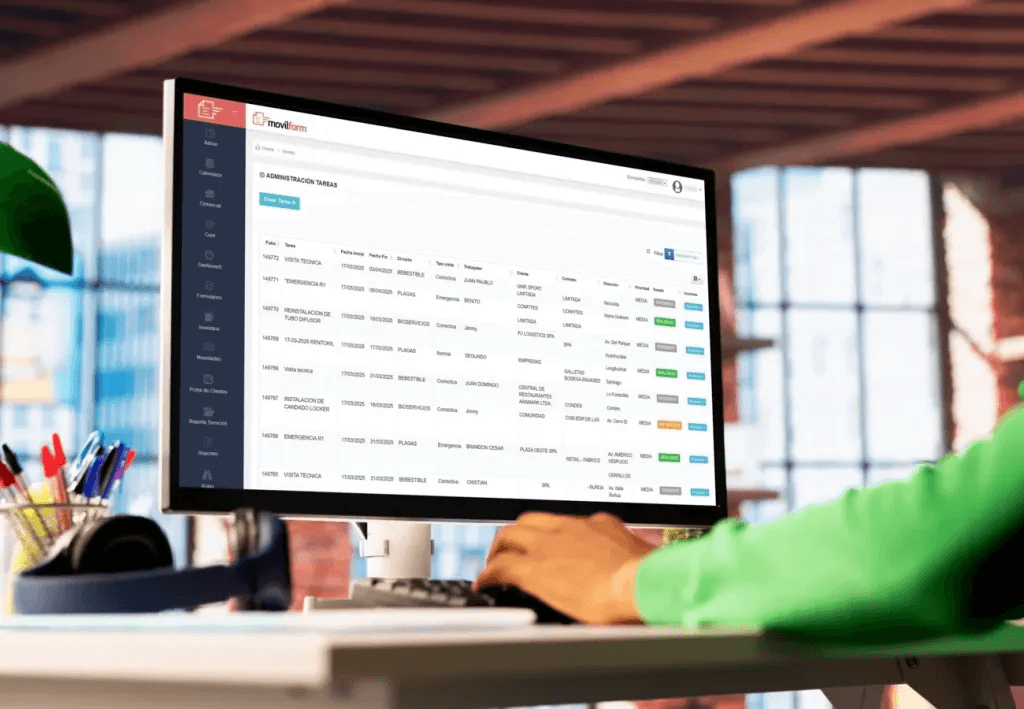
View your scheduled and active tasks
With the summary view, you can see details of the route schedule, such as the client to visit, start and end dates, the assigned worker and the route status.
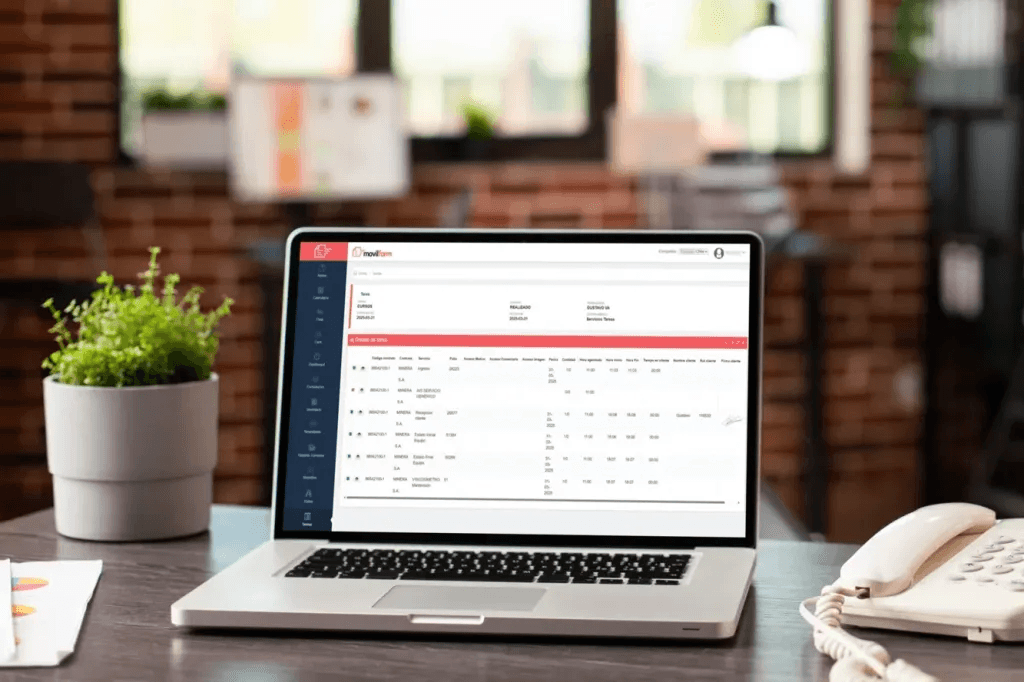
Review each task's details
You can access the detail of each task and review all information captured by its forms and their completion status, indicated in green (completed) and red (not completed). You can also view each form in web report format and download it as PDF.
Discover more of our services
Customer Portal
Give your clients exclusive access to share information about completed activities.
Digital Forms
Digital forms are the evolution of paper. Design yours with photos, checkboxes or dropdowns, empower your work teams.
Routes Module
Plan your services, easily schedule client visits and receive real-time information about executed activities.
Reports & Dashboards
Access all information captured with MovilForm, whether in a Dashboard or a fully customized PDF report.
Integrations
Through our API, integrate your own or external software and receive information automatically and online.